How to Start a Small Cafe: Inventory, Staff, and Waste
TL;DR: Pick a tight menu, count stock twice a week, write down who does what each shift, and log waste by reason. Spreadsheets and Notion work at first. When the walk-in gets busy, a kitchen ops app like KitchFlow keeps inventory, staff, tasks, and waste in one place.
You are probably here because the dream part is done. You have the lease, the espresso machine, maybe a signature pastry. What nobody warns you about is the Tuesday when you run out of oat milk at 10am, two baristas show up for the same shift, and a full tray of croissants hits the bin because nobody rotated the batch from yesterday.
That is normal. It is also fixable with boring systems.
This guide is for first-time cafe owners and small operators (roughly 2 to 15 staff) who need practical ways to manage inventory, staff, and waste without hiring a full-time ops manager.
Table of contents
- Before you open: the numbers that matter
- Inventory for a small cafe
- Staff and scheduling without the drama
- Waste: where margin quietly disappears
- Tools compared: Google Sheets, Notion, and KitchFlow
- Your first 30 days checklist
- FAQ

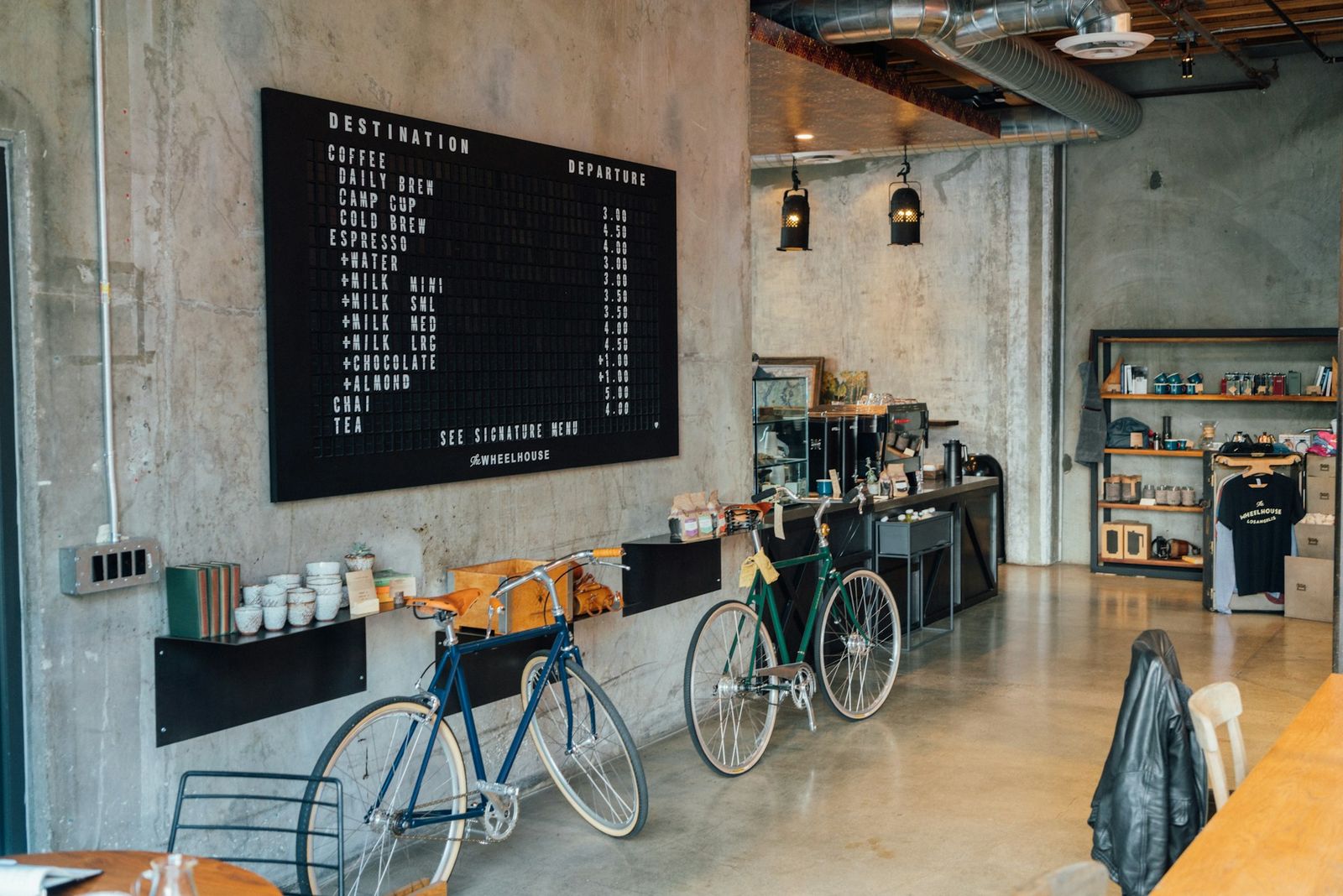
Barista at work behind the counter. Photo by Nathan Dumlao on Unsplash.
Before you open: the numbers that matter
Most small cafes in the US and Europe launch with $80,000 to $300,000 in startup costs, depending on build-out, equipment, and location (U.S. Small Business Administration). That range is wide on purpose. A kiosk costs less than a full sit-down room with a pastry kitchen.
What matters more after opening is food cost percentage. For cafes, operators often target 28% to 35% of revenue on ingredients (National Restaurant Association). Miss that by five points and you are not "a little tight." You are working for suppliers instead of yourself.
Track three numbers from day one.
Par levels. Minimum on-hand quantity before you reorder (e.g. 6 cases of whole milk, 4 kg flour).
Usage per $1,000 sales. How many kg of coffee beans you burn per thousand in revenue. Spikes mean portion drift or theft.
Waste as % of purchases. Industry studies put pre-consumer food waste in food service around 4% to 10% of food purchased (ReFED). Cafes with pastry cases often sit at the high end.
You do not need enterprise software on day one. You need a habit: count, record, adjust.
Inventory for a small cafe
Inventory is not "counting stuff in the back." It is the link between your menu, your suppliers, and your bank account.
Start with a short menu and a clear unit list
List every ingredient that touches a sold item. A flat white needs espresso, milk, and a cup. A ham sandwich needs bread, butter, ham, and packaging. Skip vague lines like "misc dairy." If it is in the walk-in, it gets a row.
Group items the way you store them: dry storage (coffee, syrups, cups, lids), refrigerated (milk, butter, prepared fillings), freezer (frozen pastries, ice cream), and produce (avocados, greens). Count produce often. Shelf life is short.
Set par levels from two weeks of sales
After your soft open, pull sales from your POS for 14 days. For each ingredient:
- Note peak daily usage. Use the busiest day, not the average.
- Add supplier lead time (if dairy delivers every 2 days, you need 2 days of buffer plus peak).
- Round up to whole case sizes.
Example: you use 18 liters of oat milk on your busiest weekday. Delivery is every 48 hours. Par level = 18 × 2 + 20% buffer ≈ 44 liters, rounded to 48 liters (two cases).
Count on a fixed schedule
Twice a week is enough for most small cafes. Many operators count Monday and Thursday before service. Daily counts are only worth it for high-value or fast-spoiling items (specialty coffee, fresh fish if you serve lunch).
Every count should answer:
- What do we have?
- What should we order?
- What expired or looks off?
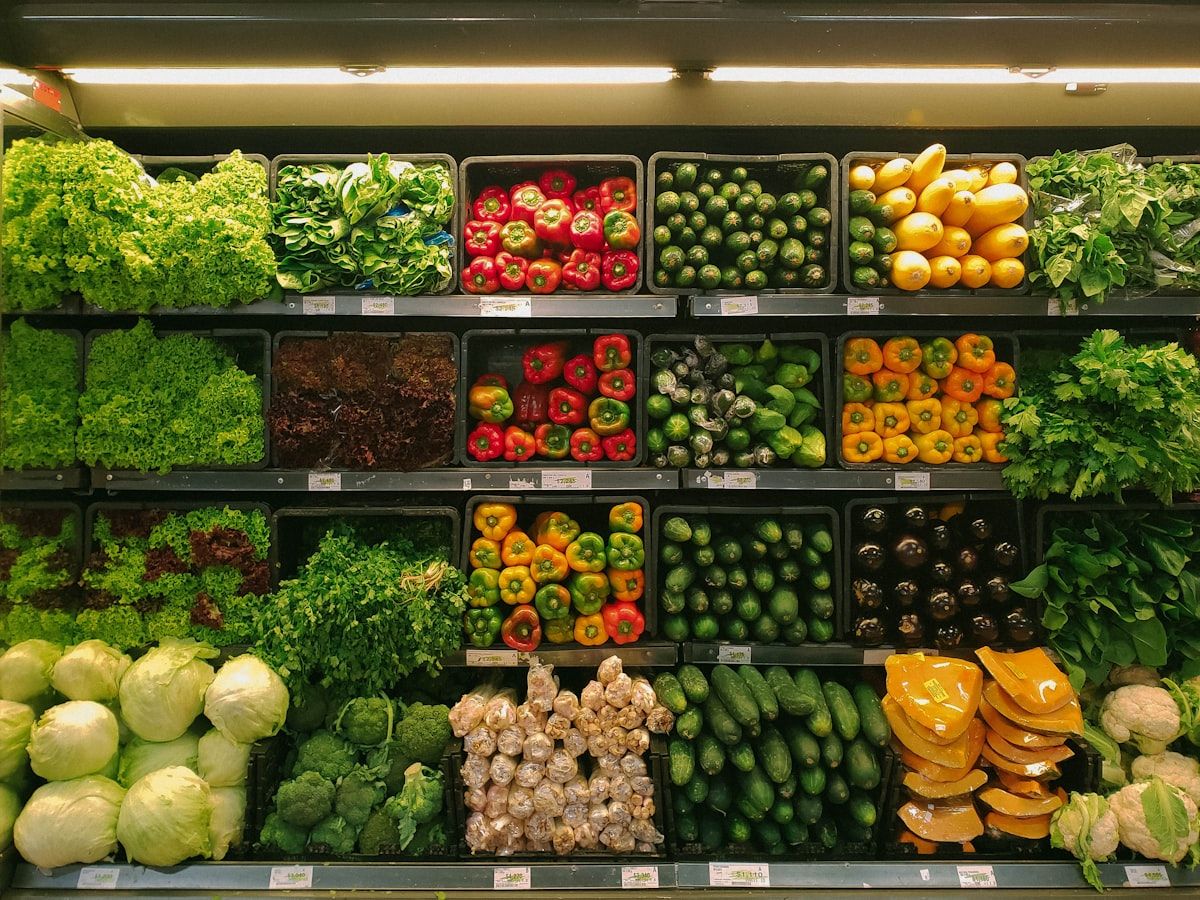
Stocked produce ready for prep. Photo by Louis Hansel on Unsplash.
Receiving: the step most cafes skip
When the delivery arrives, check it before the driver leaves. Count cases, note temperature on chilled goods, photograph damage. If you only discover short counts at close, you have no leverage with the supplier.
A simple receiving log (date, supplier, items, qty, initials) catches 2% to 5% of invoice errors that otherwise disappear into COGS [needs source, operator benchmark].
Staff and scheduling without the drama
Cafe staff turnover runs high. Food service often sees 70% or more annually (National Restaurant Association). Small teams feel every quit. You cannot fix that by hiring harder. Write down what each shift owns.
Write shift tasks, not vibes
Each shift should have a printed or digital checklist. Opening: dial in grinder, check milk dates, wipe counters, set cash float. Mid-shift: restock pastry case, log waste, prep for rush. Close: count fridge temps, label and date prep, mop, lock tills.
When something is not done, you know whether it was assigned, skipped, or never communicated. That beats a group chat at 9pm.
Scheduling rules that actually help
- Publish schedules at least 10 days ahead. No-shows and last-minute swaps drop when people can plan.
- One person owns the schedule, usually the manager. Baristas should not swap shifts in DMs without logging it.
- Cross-train on one backup role. If your only pastry person calls in sick, you still open.
For teams under 8 people, a shared Google Calendar or a Notion board with a weekly table works. Above that, missed shifts and overlapping PTO start costing real money.

Staff coordinating in a busy kitchen. Photo by Louis Hansel on Unsplash.
Accountability without blame
Log who completed opening tasks and who logged waste. You are not building a court case. You are building a record so training sticks. "We threw away 12 croissants three Fridays in a row" is a process problem, not a personal attack.
Related read: How to build an accountable kitchen team.
Waste: where margin quietly disappears
Waste in a cafe is not only the bin at the back. It is the over-steamed milk, the burnt batch, the pastry nobody bought by 4pm, the avocado that ripened overnight.
Log waste by reason
Use four tags to start:
Reason: Spoilage · Example: Expired milk, stale bread · What it tells you: Ordering or rotation issue
Reason: Prep error · Example: Burnt batch, wrong recipe · What it tells you: Training or recipe card issue
Reason: Overproduction · Example: Unsold pastries · What it tells you: Forecasting or display issue
Reason: Customer return · Example: Wrong drink remade · What it tells you: POS or communication issue
Track for two weeks before you change anything. Patterns beat guesses.
Portion control is cheaper than motivation posters
A digital scale at the espresso bar and marked scoops for dry goods cut waste fast. If your food cost is 34% and target is 30%, four points on $20,000 monthly revenue is $800 walking out the door.
FIFO and the pastry case
First in, first out sounds obvious. Pastry cases break it daily because new product looks better in front. Rule: new stock goes to the back; yesterday's items get marked down or repurposed (bread pudding, staff meal) before they hit the bin.
Separating food waste for compost. Photo by Kate on Unsplash.
Related read: How to reduce kitchen waste by 40%.
Tools compared: Google Sheets, Notion, and KitchFlow
You have options. Pick based on team size and how much time you want to spend updating cells.
Google Sheets
Works for a solo owner or a 2-person cafe starting out. Build one workbook with tabs: Inventory, Par Levels, Waste Log, Schedule. Use data validation for waste reasons and conditional formatting when stock drops below par. It is free, works offline in the app, and your bookkeeper already knows it. Downside: no alerts unless you script them, one wrong cell breaks a formula, and counting on a phone during rush is awkward.
Example row in Inventory:
Item: Oat milk · Unit: L · On hand: 22 · Par: 48 · Order?: Yes
Notion
Fits a team of 3 to 8 if the owner likes building templates. Create a database for inventory with properties: Category, Par, Last count, Supplier. Link a waste database with a relation to ingredients. Use a calendar view for shifts. You get SOPs, recipes, and logs in one workspace, and it is usable on mobile. Setup takes an afternoon. Counts stay manual. Permissions get messy if everyone can edit everything.
Notion publishes free team workspace templates; search "inventory tracker" and adapt for F&B units (kg, L, cases).
KitchFlow
For growing cafes that want inventory, staff, tasks, waste, and suppliers in one mobile app. KitchFlow is built for kitchen operations, not generic project management. Sheets and Notion record what happened. KitchFlow connects the pieces: QR scan on receive with low-stock alerts and par levels per item, waste logged by reason with cost over time, staff invited by code with shift assignments, opening checklists with timestamps and owners, and shopping lists built from items below par.
If you are still on paper tickets for the line and a shared Sheet for counts, that works until about 30 covers at breakfast plus a lunch rush. That is usually when owners start double-ordering milk and missing waste trends.
Related read: The ultimate guide to kitchen inventory management.
Your first 30 days checklist
Use this as a worksheet. Copy into Sheets or Notion, or run it in KitchFlow as recurring tasks.
Week 1: Foundation
- Finalize menu and ingredient list (every SKU)
- Set par levels for top 20 items by cost
- Create opening/closing checklists
- Start waste log (even on paper)
Week 2: Rhythm
- First full inventory count (Mon + Thu schedule)
- Publish 2-week staff schedule
- Review waste tags for repeat offenders
- Confirm supplier lead times in writing
Week 3: Tune
- Adjust par levels from actual usage
- Cross-train one backup on pastry or line
- Calculate food cost % from invoices + sales
- Mark down or repurpose day-old pastry before discard
Week 4: Decide on tools
- If counts take 90+ minutes, test a digital system
- Export one month of waste data, top 3 items by cost
- Document SOPs for the two messiest tasks
- Join the KitchFlow on the App Store if you want inventory, staff, and waste in one app
FAQ
How much does it cost to start a small cafe?
In the US, many operators spend $80,000 to $300,000 depending on size, city, and equipment (SBA). Budget 3 to 6 months of operating cash beyond build-out. Rent and labor usually beat ingredient cost in the first year.
How often should a cafe do inventory?
Twice weekly works for most small cafes, with a full count and a spot-check on high-value items. Daily counts make sense for prepared food with a 24 to 48 hour shelf life.
What is a good food cost percentage for a cafe?
Many operators target 28% to 35% of revenue (National Restaurant Association). Specialty coffee shops with low food sales may run lower; full brunch menus often run higher.
Can I run a cafe with Google Sheets alone?
Yes, for a very small team. Keep tabs separate, lock formula cells, and assign one person to update counts. Move to a kitchen-specific tool when errors cost you a service period or an hour of admin daily.
How do I reduce waste in a small cafe?
Log every discard with a reason for two weeks, enforce FIFO in the pastry case, portion with scales, and tie production to sales by daypart. Most cafes cut preventable waste 15% to 25% once they measure (ReFED).
Next step: Pick one area this week (inventory, staff, or waste) and measure it for 14 days before you buy new equipment or rewrite the menu. If you want inventory, scheduling, waste, and tasks in one place, download KitchFlow on the App Store. KitchFlow is available now on the App Store.
KitchFlow is available now on the App Store. Manage inventory, waste, staff schedules, tasks, and suppliers from one kitchen ops app.
Download on the App StoreRelated articles

Coffee Shop Waste Log Template: A Simple Way to Track What Your Café Throws Away
Use this simple coffee shop waste log template to track what gets wasted, why it happens, and where your café can improve ordering, prep, and stock control.
Daily Kitchen Checklist Template for Small Restaurants
Use this daily kitchen checklist template to organize opening, service, cleaning, stock, and closing tasks in a small restaurant or café.